
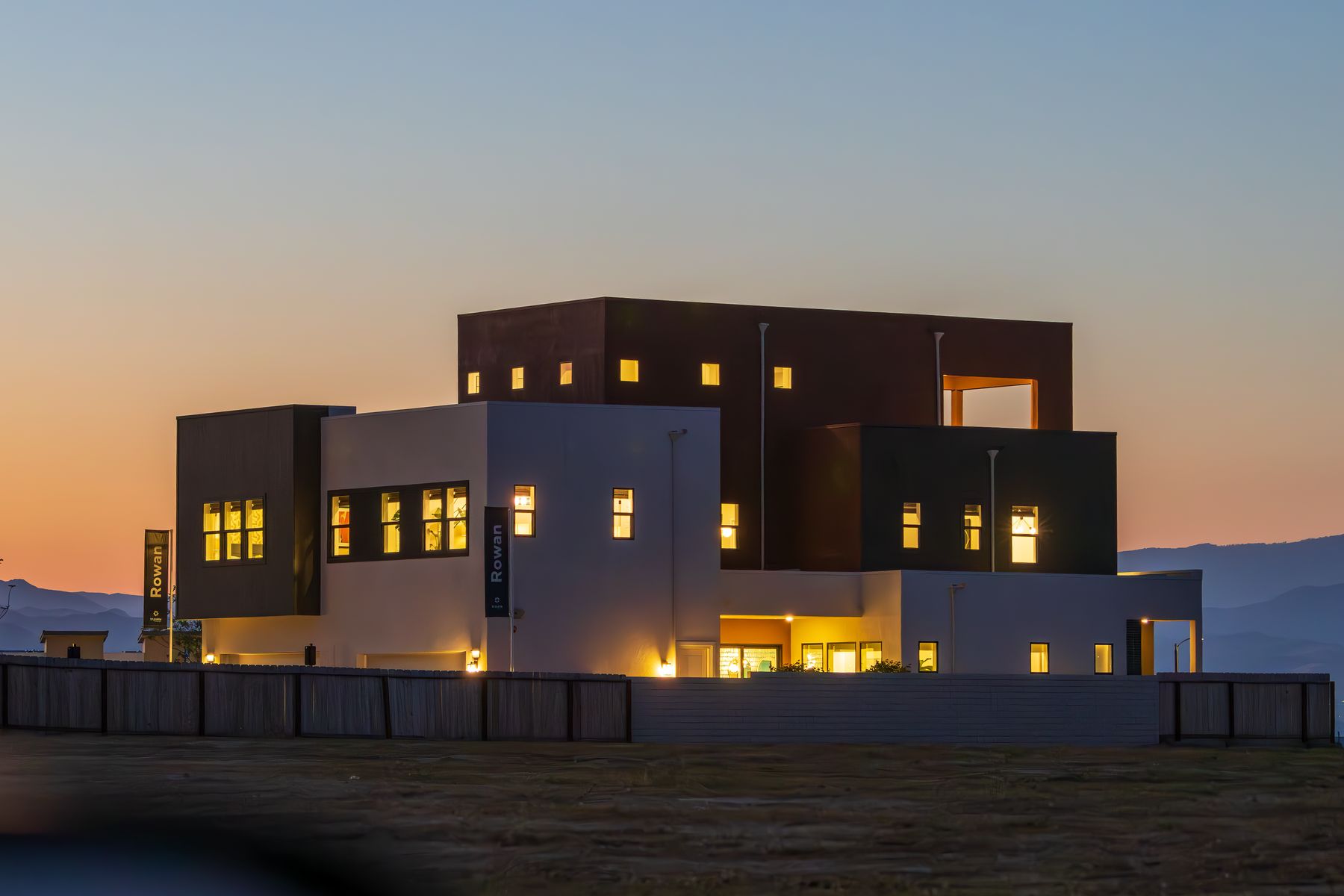
That experience is designed before plaster, ceilings, furniture, and finishes make cable routes expensive. A new home or renovation should treat connectivity as a utility and automation as a layer built on top of reliable basics.
1. Create a room-by-room technology brief
List what people will actually do in each room: work, stream, study, entertain, sleep, host guests, monitor children or elders, and control lighting or climate. Include terraces, gates, parking, staff areas, gardens, and future rooms.
Mark televisions, desks, cameras, access points, speakers, door stations, sensors, curtains, keypads, and equipment locations on the interior drawings.
- Current and future wired data points
- Wi-Fi coverage inside and outside
- Security views, door communication, and gate control
- Lighting, curtains, climate, audio, and scene-control priorities
2. Build the network before the smart home
Apps and automation depend on the home network. Plan a secure central rack or cabinet, fibre or internet entry, router, switching, access points, power backup, ventilation, and labeled structured cabling.
Avoid hiding critical equipment in hot, dusty, inaccessible spaces. Leave spare capacity for new access points, cameras, televisions, workstations, solar or energy systems, and future control devices.
- Central, ventilated, serviceable network location
- Wired connections for fixed and high-demand devices
- Ceiling access points placed for coverage rather than convenience
- Guest, family, work, camera, and device security policies
3. Automate routines, not novelty
Start with everyday friction: lights left on, difficult curtain controls, repetitive bedtime actions, gate communication, energy waste, or the need to check the home while away. A few dependable scenes are more valuable than dozens of confusing options.
Manual controls should remain intuitive. The home must continue to work when the internet is unavailable, a phone is replaced, or a cloud service changes.
- Arrival, away, night, entertainment, and vacation scenes
- Simple wall controls with clear labels
- Local operation for essential functions
- Documented ownership of apps, accounts, licenses, and backups
4. Balance security with privacy
Cameras should protect entrances, boundaries, parking, and vulnerable approaches without intruding on private family or neighboring spaces. Decide who can see live video, who can export recordings, and how long footage is retained.
Door stations, smart locks, gates, sensors, and cameras should have a clear response. A notification is useful only when the family knows what action follows.
- Purpose and approved view for every camera
- Role-based access for family, staff, and service providers
- Secure remote access and unique account credentials
- Physical keys and manual release for appropriate fallback
5. Ask for a homeowner-ready handover
The final handover should not be a folder of product manuals. It should explain how the home is organized, how to make ordinary changes, where equipment is located, what needs maintenance, and who to contact when something fails.
Keep drawings, labels, warranties, account ownership, configuration backups, and administrator credentials in controlled custody.
- Room and device schedule with simple names
- Network, camera, automation, and audio as-built drawings
- Family training and written quick-start instructions
- Maintenance, battery, warranty, and support calendar
Questions worth settling early.
When should home automation planning begin?
During electrical and interior planning, before conduit, switch boxes, lighting circuits, curtains, ceilings, and furniture are finalized. Early planning preserves choice and reduces visible retrofit work.
Does every smart-home device need the internet?
It should not. Essential lights, access, and basic controls should have sensible local or manual operation. Internet services can add convenience without becoming the only way the home works.
Can a home be prepared now and automated later?
Yes. A future-ready network, conduit strategy, neutral wiring where needed, adequate boxes, labeled cables, power, and space for equipment can support phased automation later.